
SSO ID Registration Rajasthan: Complete Login Registration Guide
Creating a new account is the first step before you can ever use your SSO login, and getting the SSO ID login registration process right the first time saves you from delays later. This page walks through the full SSO registration Rajasthan login process — who can register, what documents you need, and how to complete each step correctly on the official portal.
If you already have an SSO ID and simply need to log in, that process is covered separately on our SSO login page, which walks through the full login form field by field and troubleshoots common failed-login scenarios. Here, we’re focused entirely on registration for new users who haven’t created an account yet.
What Is SSO ID Registration Rajasthan?
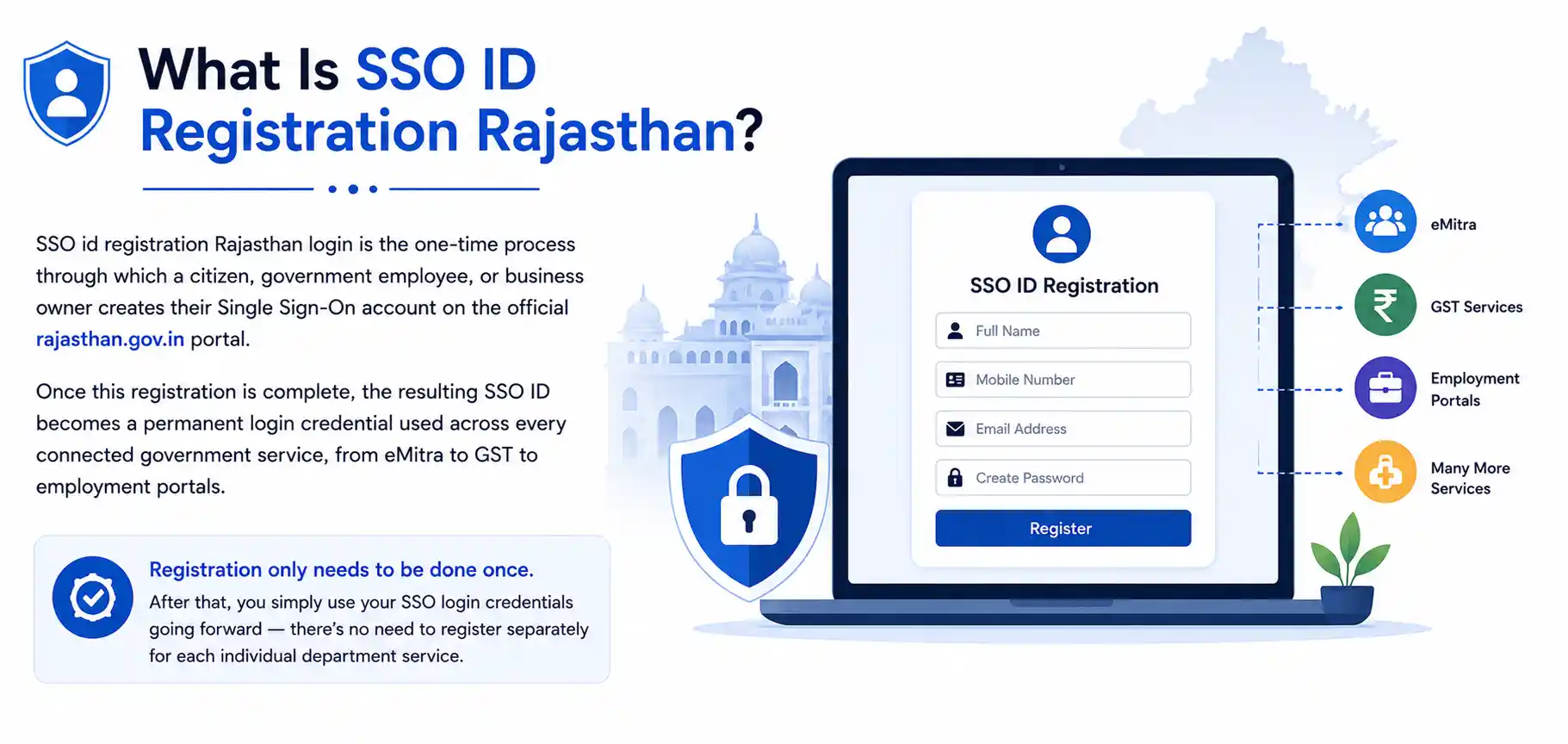
SSO ID registration Rajasthan login is the one-time process through which a citizen, government employee, or business owner creates their Single Sign-On account on the official rajasthan.gov.in portal. Once this registration is complete, the resulting SSO ID becomes a permanent login credential used across every connected government service, from eMitra to GST to employment portals.
Registration only needs to be done once. After that, you simply use your SSO login credentials going forward — there’s no need to register separately for each individual department service.
Who Is Eligible for SSO ID Registration in Rajasthan?
The SSO registration Rajasthan login system is open to nearly every category of resident and organization:
- Citizens of Rajasthan, registering through Jan Aadhaar, Bhamashah ID, mobile number, or a social login option
- Government employees, registering through their SIPF ID
- Business and Udyog owners, registering with business or GST-linked details
- Industry users, for larger registered enterprises interacting with state departments
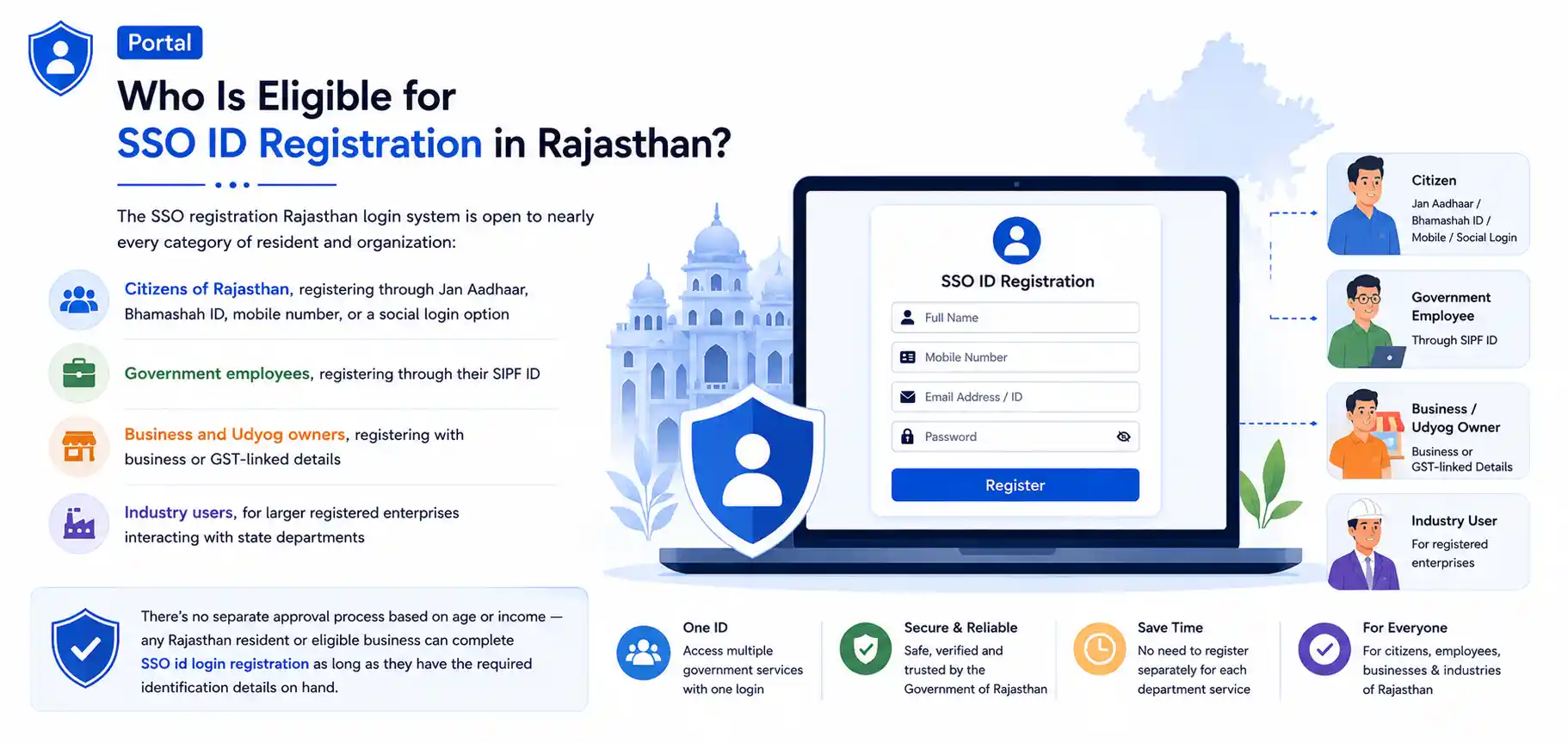
There’s no separate approval process based on age or income — any Rajasthan resident or eligible business can complete SSO id login registration as long as they have the required identification details on hand.
Documents Required for SSO ID Registration
The documents needed depend on which category you’re registering under:
For Citizen registration, you’ll typically need one of the following:
- Jan Aadhaar ID (the current standard, since Bhamashah has largely been merged into it)
- A registered mobile number for OTP verification
- A Google or Facebook account, if registering through social login
For Government Employee registration, you’ll need:
- Your SIPF ID (State Insurance and Provident Fund ID)
- A registered mobile number linked to your employment record
For Udyog/Business registration, you’ll need:
- Udyog Aadhaar or business registration number
- GST registration details, if applicable
- A registered mobile number and email address
Keeping these details accurate and consistent with your official records prevents mismatches that can slow down verification later.
Can I Register Using Jan Aadhaar or Only Bhamashah Card?
Jan Aadhaar is now the primary and recommended method for citizen registration, since the older Bhamashah card system has largely been integrated into it. If you still have an active Bhamashah ID that hasn’t been migrated, some registration flows may still accept it, but new users are generally encouraged to register using Jan Aadhaar directly, as this is the identity system the portal is built around going forward. If you’re unsure whether your Bhamashah ID has already been linked to a Jan Aadhaar number, checking with your local eMitra kiosk is the quickest way to confirm before starting registration.
Step-by-Step: SSO ID Login Registration Process
Here’s how to complete your registration on the official portal:
Visit the official SSO Rajasthan gov in register login portal and look for the “Registration” or “New User” option near the login box.
Select your registration category — Citizen, Government Employee, Udyog, or Industry — based on which applies to you.
Choose your registration method. Citizens can pick Jan Aadhaar, Google, Facebook, or mobile number; employees use their SIPF ID.
Enter your ID details. This includes your Jan Aadhaar number, SIPF ID, or business registration number, depending on your category.
Fill in personal details, including your full name, date of birth, mobile number, and email address, exactly as they appear on your official documents.
Verify your mobile number and email using the OTP sent to each.
Set a strong password. Use a mix of uppercase and lowercase letters, numbers, and a special character.
Submit the registration form. Once processed, you’ll receive your unique SSO ID.
How Long Does SSO ID Registration Approval Take?
For most citizen registrations completed through Jan Aadhaar, mobile number, or social login, the SSO ID is generated almost instantly after successful OTP verification, since these methods can be verified automatically against existing government databases. Government employee registrations through SIPF ID and certain business/Udyog registrations may take slightly longer — typically a short processing window — since these sometimes require a backend cross-check against departmental employment or business records before the account is fully activated. If your SSO ID doesn’t appear immediately after submitting your registration, waiting a short period before trying to log in is usually all that’s needed.
Common SSO ID Registration Login Errors and Fixes
A few recurring issues come up during SSO id registration login, and most have simple fixes:
“ID already registered” error.
This means an SSO ID already exists using the Jan Aadhaar, SIPF ID, or mobile number you entered. Instead of registering again, use the login page directly, or the forgot password option if you don’t remember your existing credentials.
OTP not received
Double-check that the mobile number entered is correct and active. If the OTP still doesn’t arrive after a few minutes, request it again rather than repeatedly resubmitting the form.
Mismatched personal details.
If the name or date of birth you enter doesn’t match what’s on record for your Jan Aadhaar or SIPF ID, the registration may fail verification. Correcting the entry to exactly match your official documents usually resolves this.
Registration stuck on submission.
This is often a temporary server load issue. Waiting a few minutes and retrying, or trying during a less busy time of day, typically resolves it.
Registering as a New User: ACS SSO and Similar Portals
Some department-specific systems, such as ACS SSO, also use a “login and register” model similar to the main Rajasthan SSO portal, where new users can create an account directly from the department’s login page. If you’re linking a department-specific service to your existing SSO ID rather than creating a brand-new account, look for a “link existing SSO ID” option instead of registering fresh, since creating a second separate ID can lead to fragmented access across your connected services later.
After You Register: What Comes Next
Once your SSO id login registration is complete, log in using your new SSO ID and password to access your dashboard. From there, you can explore connected services like eMitra, the state recruitment portal, GST filings, and RGHS, depending on your registration category. If you ever forget your password after registration, our dedicated password recovery guide covers that process step by step.
Registration Tips for a Smooth SSO ID Login Registration
A few small habits make the whole registration process faster and reduce the chance of running into errors:
- Keep your Jan Aadhaar card, SIPF ID, or business registration documents open in front of you before starting, so you can copy details exactly rather than relying on memory.
- Use a mobile number and email address you check regularly, since both are used not just during registration but for future OTP verification and password recovery.
- Avoid registering multiple times if your first attempt seems slow. Resubmitting the form while an earlier attempt is still processing is one of the most common causes of the “ID already registered” error.
- Choose a password you can remember, but that isn’t easy to guess — avoid using your date of birth or phone number as your password, since these are frequently the first things attempted in unauthorized login attempts.
- Double-check your registration category before submitting. Selecting Citizen when you meant to register as a Government Employee (or the reverse) can cause access issues to specific services later.
Registering on Behalf of a Family Member
It’s common for one family member to help another complete their SSO ID registration login, particularly for elderly parents or family members less comfortable with online forms. If you’re doing this, make sure the mobile number and email entered belong to the person the account is actually for, not your own, since OTP verification and future password recovery will always route through whichever contact details are registered on the account. Sitting with them through the process, rather than completing it entirely on their behalf without their knowledge, also helps them recognize the login screen and basic navigation later when they need to use it independently.
Registration Category Differences at a Glance
| Category | Registration Method | Primary Use |
|---|---|---|
| 👤 Citizen | Jan Aadhaar, mobile number, Google, Facebook | eMitra, recruitment, Jan Soochna, general services |
| 🏛️ Government Employee | SIPF ID | RGHS, SIPF records, employee-specific portals |
| 🏢 Udyog / Business | Udyog Aadhaar, GST registration | GST filings, business compliance services |
| 🏭 Industry | Business/industry registration details | Larger enterprise department services |
💡 Tip: Choosing the correct row from this table before you begin registration avoids most of the category-mismatch issues that come up later.
Why the Portal Uses a “Login and Register” Model
You’ll notice that the official SSO Rajasthan gov login page shows both the login form and the registration option on the same screen, rather than sending you to a completely separate registration site. This design choice is intentional. It reduces confusion for returning users who occasionally forget whether they’ve already registered, and it also makes it easy for department-specific portals like ACS SSO to offer the same combined login-and-register experience without requiring users to remember which specific gateway they originally used. If you’re ever unsure whether you already have an SSO ID, it’s always safer to try the login page first, or use the forgot password option, rather than registering a second time and risking a duplicate account.
Frequently Asked Questions About SSO ID Registration
Final Notes on SSO ID Registration
Completing your SSO id login registration correctly the first time — with accurate personal details and the right registration category — makes every future login and service request considerably smoother. Once registered, your single SSO ID stays with you permanently across the entire connected network of Rajasthan government services.